👋 Hi and welcome back to your IT Journey!
Let’s continue by diving into the exciting world of Modern cloud accounts and applications accessible from your mobile device. We’re thrilled to have you! Before we blast off, let’s quickly make sure you have a few simple, essential items right on your chosen device. Think of these as your basic travel kit for our adventure!
Essentials
- Reliable internet connection - Making sure you have a signal
- Consistent data access - Making sure you have unlimited data
Learning approach
- Why and what
- Step by step guide for various platforms
In this article, we’re covering how to create a linux shell script which is considered an application which is very lack luster in celebration once you understand the concepts.
Here is our script:
Select your device to follow along in your phone ecosystem
iPhone image Android image side by side
We’ll kick things off with the Apple iPhone, but please know that all core concepts will be clearly covered for devices like Android handhelds, Android tablets, iPads, and many others. We’ll also leverage powerful cloud capabilities to ensure a useful, unified, and truly exciting learning experience across all platforms!
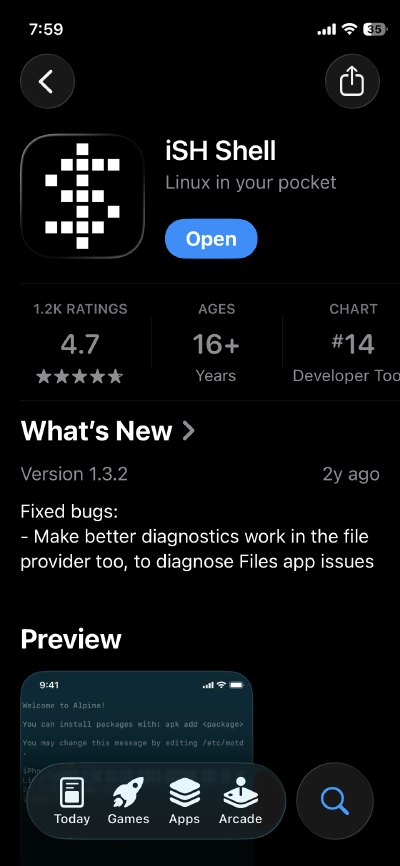
First let’s download the needed application which is called iSH Shell for the iPhone. That application can be downloaded by clicking the following **link or searching for the application using the Apple app store.
Here is what the iSH Shell application looks like from the Apple App store
Our very next article, How to make an app , is the perfect place to start!
In that article, we’ll thoroughly explore the concept of modern email, its security features, and some of the cool applications that come with it. These tools will help us review more complex concepts later in an easy-to-understand way.